6 August 2018
Show validation messages next to “Save Details” button on registration forms.
When people are registering/buying tickets for an event, if they've missed a required field we show an error message next to the field, however this wasn't very obvious if you're…
Improvement
When people are registering/buying tickets for an event, if they've missed a required field we show an error message next to the field, however this wasn't very obvious if you're on a mobile device and the field is higher up the screen, out of your view.
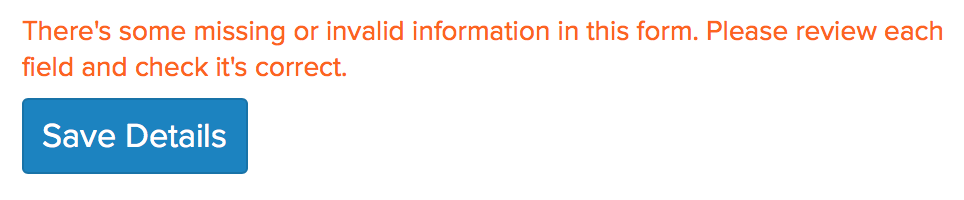
We now show a prompt message above the ‘Save Details’ button letting you know that some of the fields have invalid or missing data.
Here's what that looks like:
The icon shown when you've successfully entered payment details has been updated to show a credit/card with a green tick. This makes it more obvious that it's the payment details that have been added successfully.
Here's what that looks like: